



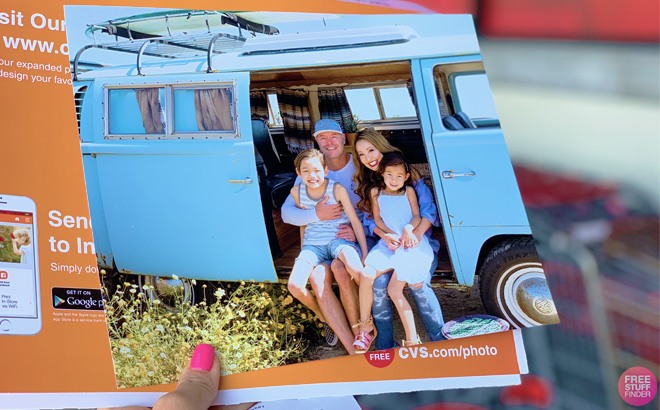
Through today, December 2nd, go to CVS, where you can score a free 8×10 Photo Print! Just add one photo print at $2.99, and use promo code CYBERMON at checkout, to make them free! The offer is available for in-store pickup only, and availability may vary by store. Don’t miss out, order your free photo print now!

More CVS Photo Deals:
- 60% off Cards with code HOLIDAYCARD
- 16×20 Canvas for $19.99 with code THANKFUL
- Positionable Poster for $5 with code ONLY5
- 50% Off NFL Blankets with code WARMEST
- Buy 1, Get TWO Free Layflat Books with code GRATEFUL
FREE 8×10 Photo Print
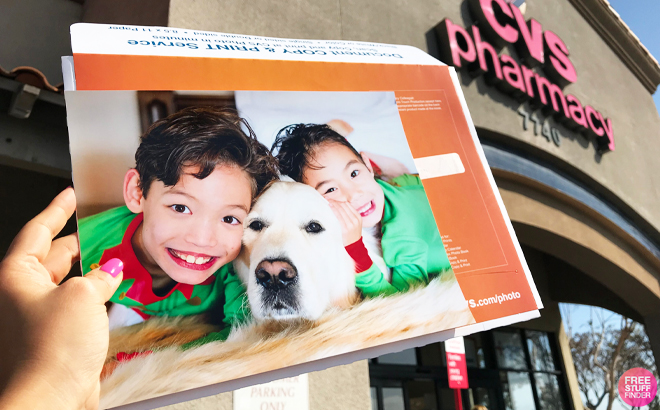
Buy 8×10 Photo Print $4.79
Use promo code CYBERMON at checkout (x12/2)
FREE + FREE Pickup
Love Free Stuff? Click here to see all current Freebie offers. Plus, for tips on how to score Free Samples, watch my video here.











Just picked mine up. Thank you!!
Yaay! You’re so welcome! Happy you got yours!
Awesome !
I got my pics today! Thanks
Most welcome Romina! So happy you got yours!
Dang. Why can’t Walgreens do this right now since I don’t have a CVS 😩
Yay, finally printed some photos of my girls at a local daffodil festival! I can’t wait to pick them up tomorrow! Thank you!
Sweet! You’re so welcome Lani!
Ordered – thanks!
Yay! You’re so welcome!
It worked through the link 🤩🤩 thanks 😊
Oh great! You’re so welcome Ravika!
Not working ☹️
Hi Ravika! I gave it a try and the promo code is still working on my end. Have you tried using a different browser? Sometimes that can help resolve the issue.
Alternatively, you could try it on your desktop to place the order, as that has worked for some in the past. Please give it another go and let me know if it works this time.
Got mine YAY
Nice! So glad you scored!
I wanna submit my deal at freestufffinder.
How can I do?
Hi Karen! There is a community feature in the app (second option from left). Click on the community icon and you’ll see a little “+” sign at the bottom right corner. From there you can create your post. Just click on the “submit” button when you place everything. Don’t forget to add the pic of the deal cause otherwise the deal won’t upload. Hope this was helpful!
Got mine:)
Yaay! So happy you got yours Brooke!