
• Data Deletion

    Data Deletion Instructions

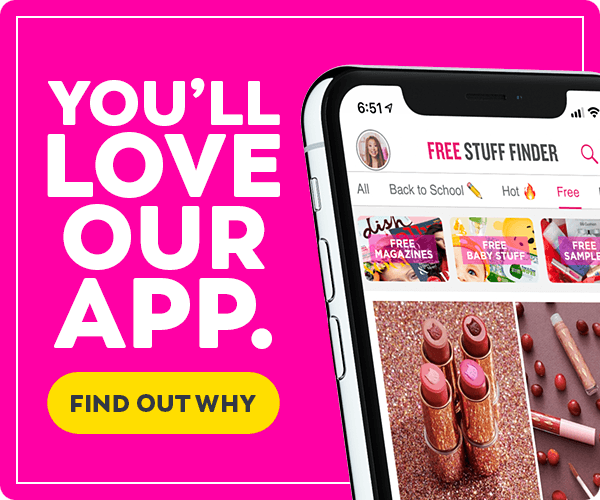
    If you are using our app Facebook Login and want to delete all your account data from Free Stuff Finder, follow these steps:

    1. Open the Free Stuff Finder iOS or Android application you used to create an account.
    2. Login with your account details.
    3. At the bottom of the home screen, click the Profile icon.
    4. At the top right, click the pencil icon to edit your profile.
    5. Select the Delete Account option and press Delete to confirm.
    6. You have successfully removed all of your data.

    You can also do it by filling out the form below:


      Contacting us

      If you have any questions about this Privacy Policy, the practices of this site, or your dealings with this site, please contact us.

      This document was last updated on September 23, 2022

      Money Saving Deals

      More Money Saving Deals

      Free Stuff

      Click here for more Free Stuff

      Coupons

      • Vaseline Body Lotion $1.79 Each at CVS

        Through December 20th, go to CVS, where they are offering $3 ExtraBucks for buying two Vaseline Intensive Care Cocoa Radiant Body Lotions. Simply grab two 10-ounce bottles…

      • Gillette Venus Razors $3.99 Each at CVS

        Through December 20th, visit CVS, where they are offering $4 ExtraBucks for buying two Gillette or Venus razors. For example, grab these Gillette Sensor2 Men’s Disposable Razors…

      • Great Clips Haircut $5 Off Coupon!

        Great Clips is offering a $5 off haircut coupon at participating US Great Clips salons across the United States. Keep in mind that receiving your coupon…

      Click here for more Coupons

      Tips

      Click here for more Tips

      Online Deals

      Click here for more Online Deals
      Connect with us!
      Instagram Facebook YouTube Pinterest Pinterest Snapchat Twitter Pinterest Pinterest
      Back to top